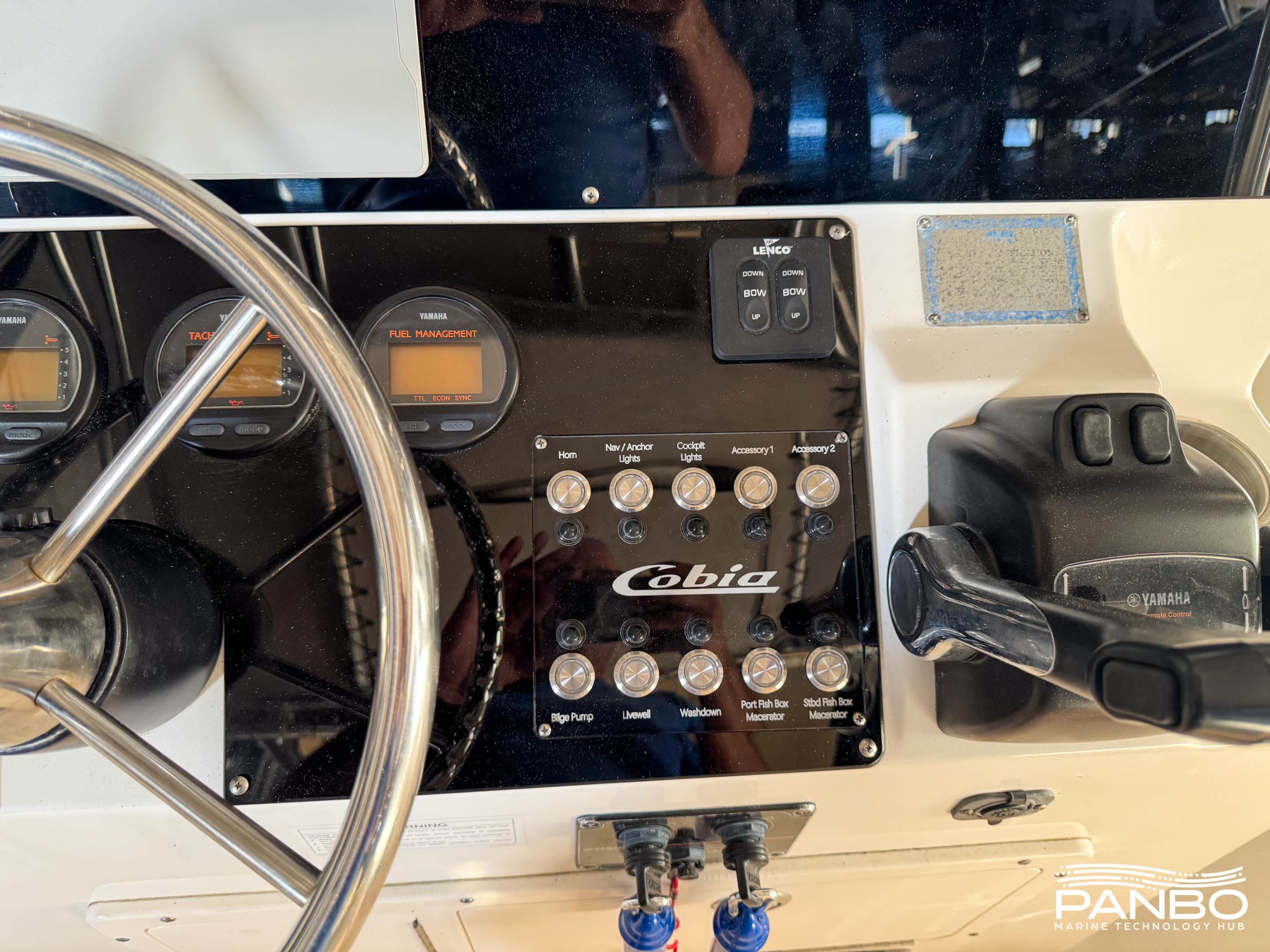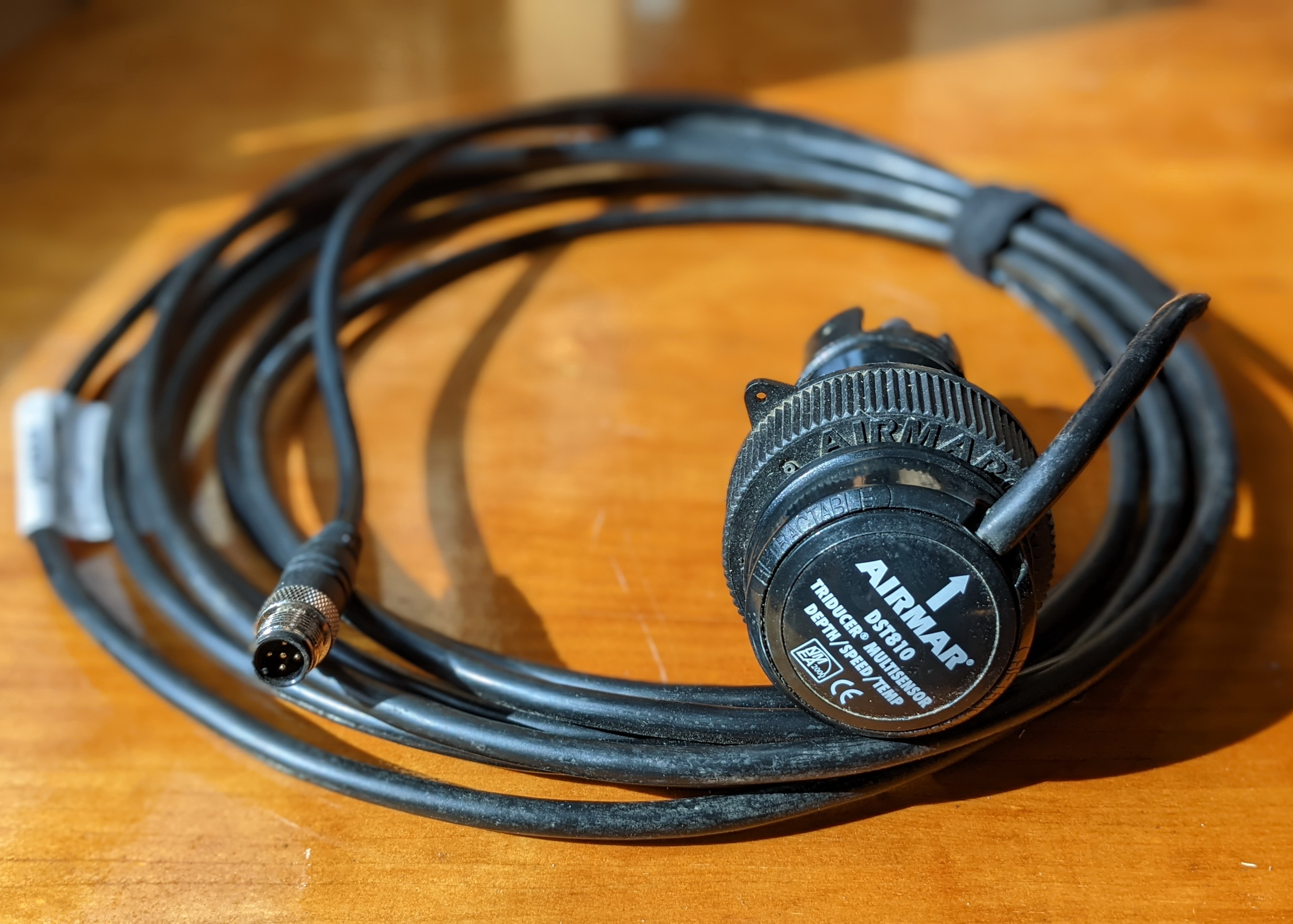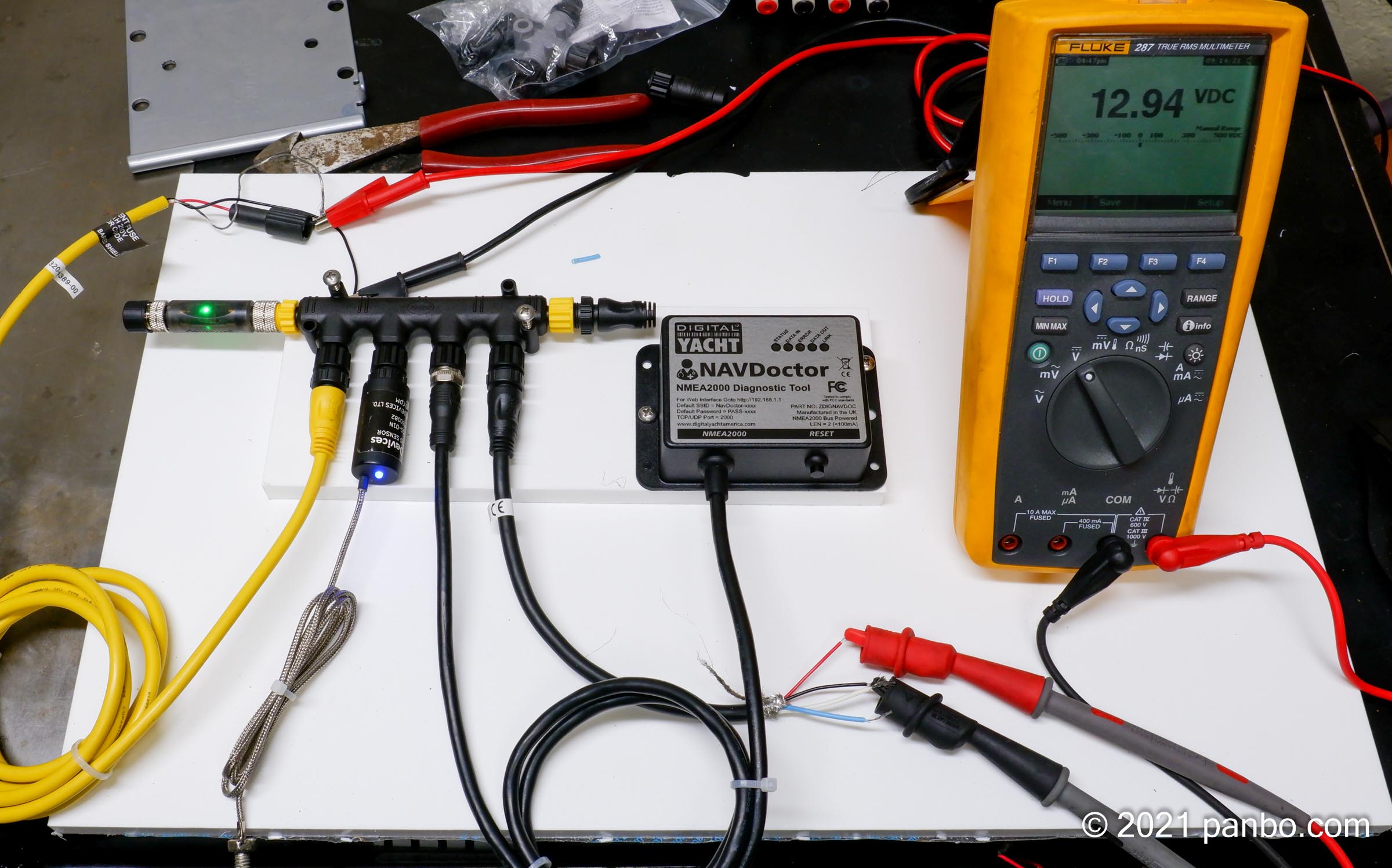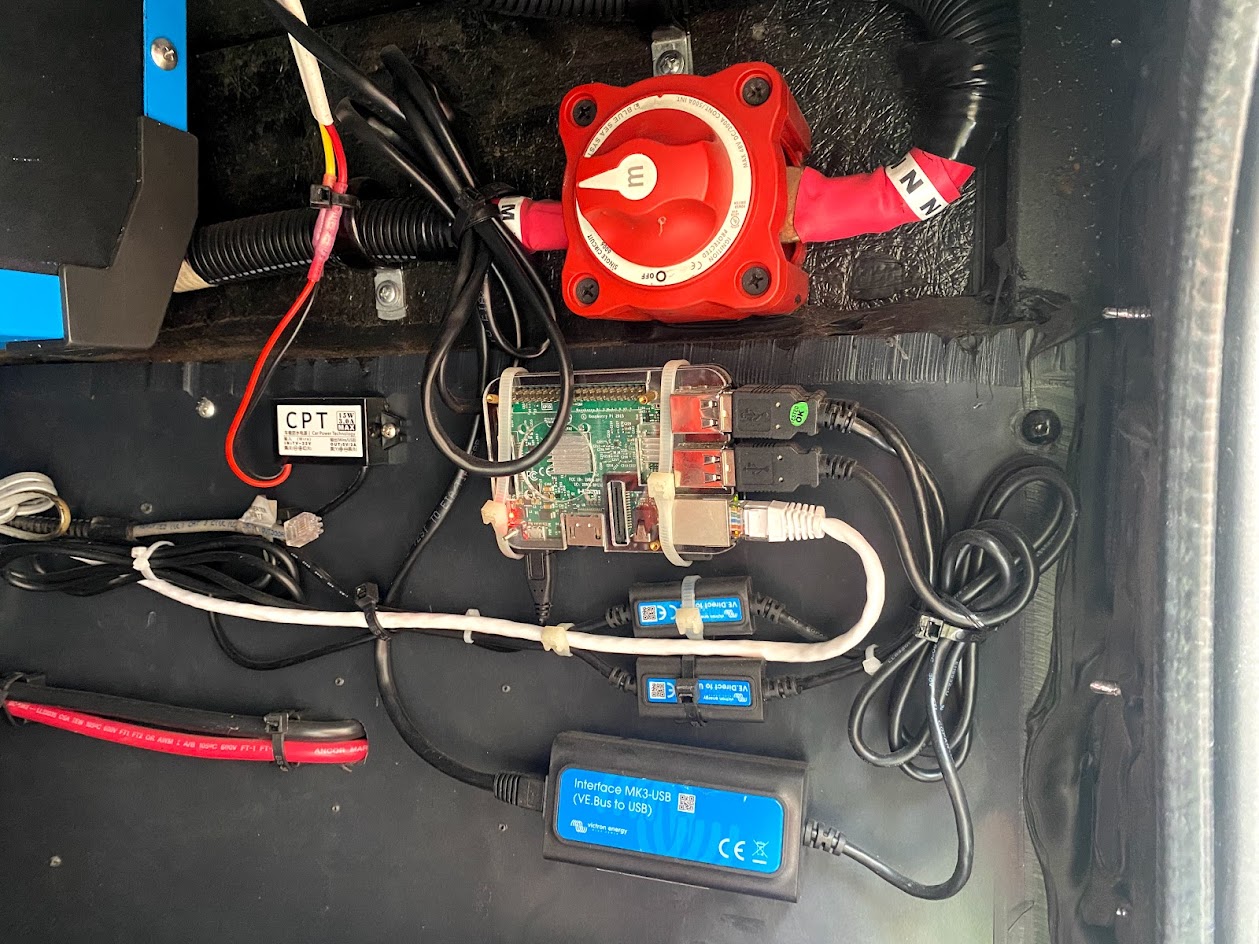
My obsession with NMEA 2000 instruments continues. To better test and photograph them in real light conditions, I installed the array in a single, more serious panel. The weapon of choice was that 3 5/8" hole saw above, which is a little bigger than needed but gave me wiggle room for final alignment. It would have worked for surface mounting the Maretron DSM 250 too, but I decided to flush mount it so it didn’t overwhelm the others. The ST70 can also be flush mounted, while the others are all surface only (correction: Furuno will offer a flush mount kit). Note that I did the layout on a template (which, in my case, also became a backing piece), which I then used to make neater and surer cutouts in the white finish panel. A good idea if you are actually cutting holes in your helm or cockpit!
Chris Witzgall from Apex, NC, recently wrote {slightly edited}:
Your site has been invaluable as I get back into boating after a long hiatus, and work out the electronics for our new-to-us Westerly Fulmar sailboat. I have settled on NMEA 2000. Our needs are relatively simple; here is what I have**, or will have*.
All the well-informed feedback I’m getting to my marine electronics maintenance query reminded that a fellow named Joseph Howard wrote last week about the NMEA 2000 hobby project he’s pursuing, and also documenting over the MarinetteBoat forums. “It will be a ARM7 based fuel gauge reading PGN 127505 using Luminary Micro's LM3S8962 evaluation board, 89 bucks from Digi-Key. I am hand coding the stack extensions for address claims. (Wish I'd used a PIC 18 CanBus as they have a free J1939 stack). Quite a bit of C coding.”
So I’ve begun work on a magazine piece about how to include electronics in your Spring maintenance and commissioning routine. The following are some topics I’ve come up so far. I’d really appreciate your professional or do-it-yourself comments on these or any topics I missed:
Sort of like repairing or upgrading old instruments, you could also spend some winter off water time getting your waypoints and routes in order. C-Map has put together a nice tip sheet on how you might do that using their chart cards along with the nifty PC Planner product that lets you bring home plotter data and work with it and your C-Map charts on your computer. (To get the PDF, click on the orange card reader here.) You may not be up for making “chart art”, like above, but doesn’t it make sense to sort through the waypoints, tracks, and routes you accumulated last season?
Geez, I’m so behind on testing (Cobra radios and Lowrance iWay are the ones half done, and there’s some I haven’t even started, sorry all!), I hesitate to get started on this Garmin 545s. On the other hand, the interest is great, myself included! Above is a backside shot showing the new two-way swivel bracket, and also the ports. Right is a BNC connector for an optional external antenna, middle is a connector for the still somewhat mysterious GXM 31 antenna, and left goes a cable that contains power leads, 2 sets of NMEA 0183 i/o leads, a set of CANet leads, and a power/data plug for the the dual frequency transducer. The unit is not quite as blue as the picture somehow came out, and the tooling is beautiful. The 545s manual is now online for more info, and I will try to show you what it can do as the week goes on (I’ve got a g2 Vision card too), though I probably won’t get it out on the water for a couple of weeks (and, by gorry, I’m going to finish those other units). Meanwhile I include the picture below as a reminder to everyone installing and reinstalling electronics this spring. Be very careful with your screens unless you’re positive that they’re not coated.
This beauty of a system diagram, bigger here, came in from Al Corkins, aka BoatGuy (his email and Web site handle). The color coding indicates what exists on his boat (green), what’s in a closet ready for install (blue), and what he’s planning after that (pink). I asked Al where he got all those cool drawings of his components, and it turns out that he creates them in Microsoft Paint! He also has a wonderful Web site documenting his boats, and particularly his boat projects, which he does well (check out this C-80 install, for instance). I’ve only skipped around, but the factual content looks excellent and included is an appropriate sense of humor, even a boat project philosophy.
The successful boat project is truly an art form…The three primary tools you need for ensuring the project is done correctly is research, research, and research.
By the way I submitted a collage of this and other Panbo reader diagrams to go with my articles about picking systems. And I’m hoping that by the time they come out in print, I’ll be able to pretty up the reader system pages. More submissions are welcome, a new Panbo look is in the works, I swear.
I think of this painting—one of an ancient series hanging in the Venice, Italy, Maritime Museum (and bigger here)—as a how-to for sailors caught out in a storm: Put out all your anchors, jettison heavy objects (like cannons), pray to your personal savior, and hope for the best! Here in Maine we’re trying not to get upset about the freakish fact that the ground hasn’t frozen yet (and I’m thankful that we live some 180’ above sea level). But I trust that whatever happens is all in God’s plan, and I wish you all a very fine Christmas, or Chrismakka as we call it in our home, or however you honor this grand turning of the seasons.
Marine connection? Hey, this two seater, at under 400 pounds, could fit on the boat deck of a trawler, or even the hybrid power catamaran (though perhaps at the sacrifice of some solar panels). Besides the inventor is my friend and neighbor Jory Squibb, who’s probably delivered more boats than anyone I know. Plus he gave me a ride in Moonbeam…which was exciting, especially at 80 MPG around town! Here’s where Jory explains how you can build one yourself.
How about that! The Memory Map Nexrad function for Smart Phones that I tried and raved about now does animation, at right, plus it’s been debundled from the charting software. $10 and it’s yours, no subscription needed, and data use is efficient and user managable. (By the way, developer Richard Stephens may be seriously field testing this product over the weekend, as he again sails the Mackinac aboard Flight Simulator. He says the course is a thunderstorm alley. Good luck, Richard!)
Meanwhile, Panbo reader Bob Mueller wrote in to say that he’s figured out how to get simple Nexrad images onto his not-so-Smart Motorola v710: I host my own website on the residential DSL line in my home, and I created a page with a custom PHP script that I wrote. The PHP script goes to the ADDS (Aviation Digital Data Service) website, pulls a NEXRAD radar image for the area where I boat. The image displays a very large area, that would not be easy to interpret on my cell phone screen. My script then crops the image to the exact resolution of the phone screen. The script saves this cropped image to the hard drive on the web server for display on my cell phone's screen via the phone's web browser. (I would be more than happy to share the code, it is only a few lines!) {Send me a note if you want that code — Ben}.
PS Thanks to Gizmodo for picking up on my Sirius & XM weather testing (even if they somewhat misinterpreted my ramblings); we’re getting major hits, which I find very auspicious as today I officially became sole proprieter of www.Panbo.com. Wishing all a great weekend.
Today’s the 4th of July here in the States, and I’m off to watch lobster boat races and fireworks. Loud and louder! Panbo posting will be very light around this holiday, but it does seem like the right time to honor the guys who build large (+/- five foot) radio control models of WWII naval ships and then stage battles in which they sink each other! Yes, those are CO2 powered “Big Guns” shooting large shot through balsa “plating”. You can imagine that the electonics to control all this (see below) are pretty complex. A good place to explore the technology is in the “Naval War College” section of the The Big Gun Web Portal, but do not miss the photo section of The Australian Battle Group. You may not be surprised to see that this is a nearly 100% male activity. Here’s wishing everyone an explosively happy holiday.
OK, I admit that at least half of the hideous mess above is the fault of yours truly, being sloppy with a temporary install, in this case interfacing a DSC VHF, a GPS, and an AIS receiver all to a Garmin 3210 (possible because it has two 0183 ports, plus a special Garmin GPS port). But I also blame the standard itself, or non standard really, since there is no common plug, let alone standard wire colors (so you’re delighted to come across nice labelling like Northstar’s at right), or even a uniform nomenclature. Plus the typical bare wires are fine gauge, making them hard to handle and hard to secure strongly. Finally, the variable way the negative side of an 0183 data IN or OUT wire pair works—sometimes wired to its negative OUT/IN opposite, sometimes wired to ground, sometimes not wired to anything—further confuses things, and often means that there’s a partial crossover between the power connection strip (upper left) and the data strip. The photo below, and bigger here, shows how this can all be neatly done, in this case by pros, but it’s still a bit fragile, I think, and it’s going cost you time or money. The chaos and complications of NMEA 0183 wiring make the rugged NMEA 2000 combined data/power cable scheme look very, very good.
Well, I’m beginning to understand why the Nasa AIS receiver is so much less expensive than most others on the market (besides the single frequency business). For one thing, the wire connections to the “not waterproof” box are funky compared to most marine electronics. Above you can see how an install might look if you use its ability to blend a GPS into its data stream. Note how the red power wire uses a pin connector with no lock (if your boat is rattlely, you might want to duct tape it). The illustration, by the way, is from an installation pdf that Digiboat put together, which is way better than what came with the unit.
Then there’s the fact that once you’ve wired the receiver to antenna, PC, and power, you have no way to know if it works. No LEDs, no NMEA strings unless it’s actually receiving targets. Without a real manual, I had no way of knowing what was going on so I e-mailed customer support at Digiboat, who seem to know this hardware, and got a prompt response that confirmed my fears, “the NASA AIS Receiver gives NO INDICATION whether it's working, or not - quite frustrating really. Unless, of course, you're surrounded by transmitting targets.”
In fact, Simon Blundell from Digiboat has figured out a way to solder 4 useful status LEDs into the Nasa receiver, and has posted a thorough Web page about the project (check it out…this is DIY pioneering!). He also pointed out that I could check the install by doing the GPS bypass above. Nah…I will be in hotel right on the Mediterranean coast near Marseille, France, later this week, so hope to test with real targets. Blundell suggests that once I see how well the Nasa box works for the money, the negatives will fade. We’ll see.
This weekend’s mail included Simrad’s “Navigation Tutorial” DVD, which is pretty darn impressive. Of course there is some ‘sell’ to it, but there’s also some sharp footage of boats and extensive, well done explanations of just how Simrad’s multifunction Navigators work. (That’s the narrator’s hand in the picture, not mine, explaining dual radar ranges). This DVD is excellent for anyone who owns a Simrad, or is interested in one, and it’s absolutely free, including shipping. The order form is on the Simrad USA home page.
Isn’t it neat that a lot of boaters gleefully invent stuff to improve their vessels? A fairly extreme example is one Roger Jones who put together his own elaborate boat monitoring system, wrote the necessary software too, and then created a site where anyone can download this software for free and read Roger’s well written instructions about how to assemble the hardware from off-the-shelf parts. Roger’s screen shots indicate that Version 2, currently in “beta”, can not only mind batteries, AC power, pumps, lights, and NMEA 0183 nav data, but can also display weather buoy data (from where I don’t know) and video. Nice work, Roger! (By the way, I learned about this because Roger posted a message on our Electronics Forum at PMY).
"Most GPS units have I/O terminals and a cable for connecting to other devices. To transmit information from the GPS to the computer, connect the GPS signal ground wire (SG) to the serial port ground wire (NMEA B line). Next connect the GPS transmit data (TXD) to the serial port receive wire (NMEA A line). If you intend to upload data, such as waypoints and routes, from the navigation software to the GPS, you will need to connect the GPS receive data (RXD) wire to the serial transmit wire. Not all navigation programs or GPS units allow data uploading. These wires are identified by color code in the user's guide."
A problem with many of today's (marine) electronics is that they can do so much. And many are simply to proud to read a manual or watch an instructual video. But if they do...
"I recently upgraded the electronics on my 20-foot Bayshore skiff with a Lowrance LCX-15MT combination GPS/chartplotter/sonar unit. The compact combo fit nicely into the helm pod and utilized the pre-installed transducer. The only trouble was that it required a new electronic chart and had more features than my old unit. Both dilemmas were quickly solved with a Classic chart from Navionics and an instructional video from Bennett Marine Video."
Blue Water Sailing Magazine has some safety tips for boats that are going offshore regularly. They talk about, a.o., VHF radios and passive radar reflectors.
"A relatively easy upgrade to any boat's VHF radio involves the coaxial cable that carries the signal to the masthead. It is not uncommon to find the cable is of the smallest size that will get the signal to the masthead, as that is the least expensive. There are four sizes of cable that are of interest to us for this application, RG-58U, RG-8X, RG-8U and Belden 9913 in order of ascending efficiency in signal transmission, and the cost per foot increases by nearly a factor of three from the least to the most efficient. Interestingly, that is about the same factor of signal strength increase that the best coax cable offers."
Sometimes you only realize how valuable something is unless it is no more... An electric anchor windlass can be such a thing. An introduction...
"Typical working current loadings are in the range of 55 amps at no load, 110 amps at half load, and 180 amps full rated load. Many windlasses have converted DC starter motors, and some use permanent magnet motors, typically in the range 600-1000 watts which simplifies construction and reduces weight and size. I am frequently asked about the practice of installing a separate battery forward adjacent to the windlass, and I do not recommend it. While this is one more battery to maintain and also weight forward where you don’t want it, it also still requires charging."
Subscribe to DIY Boat Owner's newlsetter in order to know when to turn off the boat's main AC breaker before plugging in.
"There are two reasons for turning off the boat's main breaker before plugging or unplugging the shorepower cord. The process of plugging in or unplugging the shorepower cord can cause spiking noise, harmful to sensitive electronics. More importantly, you can confirm AC polarity before connecting to shorepower. An AC polarity indicator, which all boats equipped with AC power should have, ensures that the hot and ground wires aren't switched."
Of course you can read this weblog to learn all about marine equipment that might save your life someday, but now there's also a new three-part video series called "Taking the Search Out of Search & Rescue."
"Endorsed by the U.S. Coast Guard"These three videos - "Rescue 21," "Using Your DSC Radio" and "The GMDSS System" - cover other safety equipment as well, including EPIRBs, SARTS and Inmarsat satellite communications."
Some advice on how to choose, install and upgrade you boating electronics, from sonar units to marine batteries. The article focuses on anglers, but some of this advice is relevant to all boaters.
"The most frequent upgrade for fishermen is a new sonar unit. Like computer companies, every year makers of sonar fish-finding equipment introduce more colorful and feature-filled units. To make them work properly the position of the unit's transducer which sends out and receives a sonar signal to mark fish, the structure and the lake bottom below the boat must be exact."
Boating World's Chris Caswell has written a short how-to on installing a GPS Chartplotter. He uses Magellan’s FX324 Map GPS Color Plotter as an example.
"Today, however, navigational accuracy with a GPS/chartplotter combo is available at everyman prices. Even better, these are very easy to install and set up. With the Wide Area Augmentation System (WAAS), GPS accuracy has been greatly enhanced, and the chartplotter shows you the position of your boat on an electronic chart, complete with depths, buoys and all the details of a paper chart. A GPS/chartplotter combination makes for worry-free navigation in all types of weather."
Some real-life lessons on boat electronics to be found in the latest Ocean Navigator marine electronics eNewsletter by Chris Parker, sailing from Bermuda to Puerto Rico.
"There’s often a deeper lesson, and here it is: Your vessel has many complex and vital systems, mechanical, electrical and otherwise. Most of these systems were designed and manufactured to be used. The majority of system failures result from LACK of use, not overuse. My recommendation is that you resolve to test all major systems on a regular schedule (say monthly) and always prior to an offshore trip, during spring commissioning and fall decommissioning."
In order to help you power all these great devices that are being presented on this weblog, Ocean Navigator has released a newsletter discussing the necessity of inverters and how to install them.
"Inverters have become a desirable piece of equipment to provide AC electricity (alternating current, just like household service) onboard. This is done by taking direct current from your batteries, changing the type of current (current is measured in amps) and increasing the voltage from 12 or 24 volts to 120 volts. Notice that the voltage in most applications is a 10-to-1 exchange — from 12 to 120. This is very helpful in realizing quickly that for the same power output, divide the watts output from an inverter by 12 to get the number of amps from your batteries. This can be staggering when you use a large AC appliance like a hair drier at 1,200 watts and that takes 100 amps DC from the batteries."
A quite funny quote from a Netstumbler forum thread shows very well that the combination of Wi-Fi and boating is still in the early adopter stage, and that 'wardriving' has its equivalent at sea....
"WARBOATING!!!! It was actually sort of tough to set this up (see photo below). The boat has a double door that snaps open, so I used the double doors to hold tight the NiteIze case flap. The case flap has a metal insert in the back and this is very strong. It held the Jornada, PC card adapter, Orinoco Gold card, yagi antenna, and wires in place for our entire four hour ocean voyage. I set the 8dbi yagi to point towards the shore. When we neared any boats I'd turn the yagi around if need be. (Or is this warshipping? Is that praying?) We received several pings from shore locations, but when we were passed by a police boat we also got a ping! Seems the sonar ping sound is perfect for being on a boat. I checked just now to see if we did indeed get a ping off the boat, it is WEP enabled for Seal Beach police. Good going guys! You're secure! (Warcopping?)"
Tom Isitt, in his editorial piece for the Motor Boat & Yachting May issue, confesses that he always reads the manual of the gadgets he buys. Lot's of people do not, and that's probable not very smart.
"But I know plenty of people who don't. Whether it's because they're too idle or too disinterested, they just can't bring themselves to do it. Or maybe I do it because I'm a total saddo.When I buy a new gizmo (and believe me, I buy lots) I have to read the manual. To my mind, there's no point in having some clever gizmo if you don't know what it will do, and don't know how to get it to do the things you want it to do. My mobile, my iPod, my GPS, my PDA, my multi-function digital chronograph, the five boxes that sit beneath my TV. I've read the manuals. I actually like reading the manuals. Even the manuals that make no sense, like the one for my KTM that was written by an Austrian with a very warped grasp of English."
I know a lot of the high-end electronics that are being presented here require power. Lot's of it. So every time I come across an article or how-to-guide helping you to make sure this power is available, I will post it here. BoatFix.com explains battery system wiring hookups. Next to that, there is also a Google Groups discussion on 'wiring questions.'
"Below you will find information on marine battery system wiring hookups. We do not claim to be experts in all fields. Nor can we promise to be correct on all issues. Nor can we address the content of these pages. But, I hope you will find this page useful. We want to thank the technical service department of Guest Corp., for their technical assistance with this page. We recommend that if you are not fluent with electrical systems, you get assistance from a trained individual."
Tony Gutierrez pointed me at APRS, an Automatic Packet/Position Reporting System. ARPS is a real-time tactical digital communicatons protocol for exchanging information between a large number of stations covering a large (local) area. As a multi-user data network, it is quite different from conventional packet radio. There are many APRS applications, and I will get back to that later. First, here's what Tony uses it for:
"I dont believe I can afford satellite internet, but I was psyched to find that I could use my amateur radio licence to broadcast my position to a web page map, and to recieve and send email while at sea. The position broadcasts are tracked by a site called findu.com which allows you to use your own web page to access numerous scripts that create a map of your boat's position for your web page visitors."